What keyless entry actually means
Keyless entry is a broad term. On a house it can mean a simple keypad deadbolt with a four to eight digit code, a smart lock controlled from a phone app, a fingerprint reader, or a card or fob system of the kind many offices use. On a car it means a remote that locks and unlocks from a distance, or a proximity key that lets you open the door and start the engine without taking the fob out of your pocket.
What they have in common is that the thing that proves you are allowed in is no longer a cut piece of metal. It is a code, a signal, a fingerprint or a credential stored on a phone or card. That shift brings real advantages, mainly around convenience and managing who has access. It also moves the weak points. A metal key fails when it is lost or copied. A keyless system fails when its battery dies, its code is shared, its signal is intercepted, or its electronics give up.
Neither is simply better. The right choice depends on the door, the people using it, and what you are trying to solve. We fit mechanical and electronic locks every week across New Castle and Kent counties, and we recommend each where it fits. This guide lays out the tradeoffs so you can decide.
At a glance
The main types for a home.
| Type | Best at | Weak points |
|---|---|---|
| Keypad deadbolt, no app | Simple code entry, no phone needed, easy for all ages | Codes shared too widely, worn buttons revealing digits, battery life. |
| Smart lock with app | Remote access, temporary codes, activity logs, auto-lock | Depends on phone, app, account security and sometimes home internet. |
| Retrofit smart lock over the thumb turn | Adding smart features without changing the outside cylinder | The existing lock's strength is unchanged. Bulky inside. |
| Fingerprint reader | No code to remember or share | Readers vary in quality. Wet, cold or worn fingers can fail. |
| Card or fob access control | Businesses and multi-unit buildings, instant credential removal | Wiring, cost and a system to manage. Overkill for most homes. |
| Traditional keyed deadbolt | Reliability, no batteries, no electronics | Keys lost or copied, rekey needed when access changes. |
The case for
What keyless does genuinely well.
These are real advantages, not marketing.
Nothing to lose. The single biggest advantage. A code cannot be dropped in a parking lot or left in last week's jacket. For households where keys go missing regularly, especially with children or older relatives, this alone justifies the switch.
Access you can change in minutes. With a mechanical lock, when someone should no longer have access, you need their key back and trust that no copy exists, or you need a rekey. With a keypad or smart lock, you delete their code. Dog walkers, cleaners, contractors, house sitters and short-term guests can each have their own code, removed when they finish.
Temporary and scheduled access. Many smart locks let you create codes that work only on certain days, at certain times, or between two dates. For short-term rentals, recurring services and vacation sitters, that is a real improvement over handing out keys.
A record of who came and went. Many smart locks log each use by code. For parents checking a child got home, or families checking a caregiver visited, that can be reassuring. For landlords, it raises privacy questions worth thinking through.
Auto-lock. Many electronic deadbolts can lock themselves after a set delay. That solves the common problem of a door that was closed but never locked.
Ease of use for limited hands. Pressing buttons is easier than gripping and turning a key for many people with arthritis or limited dexterity. The senior home lock safety guide goes into this.
The case against
Where keyless falls short.
Batteries. Every electronic lock depends on batteries or wired power. Most warn you well before the batteries fail, and many have an emergency power option or a mechanical key. But warnings are ignored, and cold weather shortens battery life. A dead lock on a January night in Kent County is a lockout.
Codes spread. Codes are easy to share, and they get shared. A child tells a friend. A contractor writes it on a job sheet. A guest mentions it to a partner. A code that nobody changes is like a key that was copied a dozen times. The advantage of easy code changes only matters if someone actually changes them.
Worn buttons. On physical keypads, the buttons you press most often wear or collect fingerprints, and an observant person can narrow down the digits. Change codes periodically, wipe the keypad, and choose models that allow extra digits before or after the code, where available.
Accounts and apps. A smart lock tied to an app is only as secure as the account behind it. A weak or reused password, or a phone without a screen lock, can let someone else unlock your door. Use a strong unique password and two-step login where the app offers it. Apps and devices also stop being supported eventually, so a lock that relies on a company's app has a lifespan that depends on that company.
Mechanical strength. The electronics do not make a door stronger. Many electronic deadbolts use the same basic bolt and strike as a mechanical deadbolt of similar grade. The deadbolt grade guide applies to electronic locks too, and the strike and frame matter as much as ever.
Complexity. More parts, more settings, more things to go wrong. For a door that is used rarely, such as a basement door, a simple mechanical deadbolt is often the more reliable choice.
Who it suits
Matching the lock to the household.
| Household or door | Keyless is a good fit? | Why |
|---|---|---|
| Busy family with children who lose keys | Usually yes | No keys to lose, individual codes, auto-lock. |
| Short-term rental or frequent guests | Yes | Dated codes per guest remove the key problem entirely. |
| Older adult with carers visiting | Often yes, with care | Easy to use and easy to manage access. Needs a backup plan for forgotten codes. |
| Garage entry door | Often yes | Heavy daily use, sheltered from weather, often left unlocked otherwise. |
| Front door in full weather | Yes, with a model rated for exposure | Check the temperature and weather rating. |
| Rarely used basement or side door | Usually no | Batteries die unnoticed. A mechanical deadbolt is simpler. |
| Renter without landlord permission | Ask first | Most leases require consent for lock changes. |
| Someone uncomfortable with apps | Keypad without app | Gets the no-key benefit without the phone. |
Getting it right
If you go keyless, do these things.
- Choose a model with a mechanical key override. The backup for dead batteries and failed electronics. Keep that key somewhere safe and test it occasionally.
- Fit it to a well aligned door. A motorized bolt that drags on the strike drains batteries and jams. Fix the alignment first.
- Use a reinforced strike with long screws. Electronics do not strengthen the frame.
- Give each person their own code. So you can remove one person without changing everyone's.
- Delete codes promptly. When a contractor finishes or a sitter leaves, remove their code that day.
- Change batteries on a schedule. Before winter at least, and whenever the lock warns.
- Secure the account. Strong unique password, two-step login, and a screen lock on every phone that can open the door.
- Check the weather rating. Delaware summers are humid and winters can be well below freezing. Pick a lock rated for the exposure.
- Keep the firmware current. Read update notes, and update when fixes are released.
Installation
What a proper fit involves.
Most electronic deadbolts are sold as a do-it-yourself product, and many people fit their own successfully. The problems we see afterward are rarely with the electronics. They are with the door. A deadbolt that was fitted to a door that sags, or into a strike that sits slightly high or low, works fine by hand because a person unconsciously lifts or pushes the door. A motor cannot do that. It pushes against the resistance, fails, reports a jam and tries again, draining the batteries in weeks instead of months.
A proper installation starts by checking the door. Does it close evenly? Does the existing bolt slide into the strike without touching the edges? Is the backset, the distance from the door edge to the center of the lock, one the new lock supports? Is the door thickness within the range the lock accepts? Are there old holes from previous hardware that will show or weaken the mounting?
Then the strike. The strike plate should be reinforced and fixed with long screws into the framing, and its opening should be deep enough for the bolt to extend fully. Many electronic locks check that the bolt has fully thrown, and a shallow strike hole makes them report errors.
Finally, setup. Codes created for each user, the master code changed from any default, auto-lock set to a sensible delay, the mechanical override key tested and stored, and the owner shown how to change batteries and codes. That last step is the one that decides whether the lock is managed properly for years to come.
Mechanical is not old-fashioned
There is a tendency to treat a keyed deadbolt as the old option and a smart lock as the upgrade. That is not quite right. A good mechanical deadbolt with a reinforced strike is reliable, needs no batteries, cannot be affected by an app problem, and lasts for decades. For many doors in many homes, it remains the best choice.
The main weakness of mechanical locks is key control: keys get lost and copied, and changing access means a rekey. But a rekey is simple, and restricted keyway systems can stop unauthorized copies. For households that do not change who has access very often, a good mechanical lock and a sensible approach to keys is entirely adequate.
Many homes end up with a mix. A keypad or smart lock on the door everyone uses daily, usually the garage entry or front door. Mechanical deadbolts on the doors that are used less. That combination gets the convenience where it matters and keeps things simple elsewhere.
If you are unsure, start with one door. Fit a keypad on the busiest entrance and live with it for a season. You will quickly learn whether keyless suits your household, and whether you want it on other doors.
Whichever way you go, keep one principle in mind. A lock is only one part of a door. The frame, the strike, the hinges and the habits of the people using it decide how secure the door really is. An expensive smart lock on a weak frame, or a strong deadbolt that nobody bothers to lock, both fall short. Fix the door, choose the lock that people will actually use, and manage who can open it.
Cars
Keyless entry on vehicles.
Most modern cars have some form of keyless entry. At its simplest, it is a remote that locks and unlocks the doors with a button. Many newer vehicles go further with a proximity or smart key system, where the car detects the fob nearby, unlocks when you touch the handle and starts with a button.
The advantages are familiar: no fumbling with a key, doors that unlock as you approach with full hands, no ignition to wear out. The push button start versus key page covers how those systems work.
The drawbacks are the ones that bring people to us. Proximity fobs are usually more involved and more costly to replace than a basic key, and losing the last one is the most involved car key job there is. Fob batteries die, often without much warning. And security researchers have described ways that some proximity systems can be exploited by relaying the signal between a fob and the car. Manufacturers have responded in various ways, and some vehicles let you disable proximity unlocking or put the fob to sleep. Check your owner's manual. Keeping fobs away from the front door at home, or in a signal-blocking pouch, is a simple precaution some owners take.
For basic remote programming, see keyless entry remote programming. For a spare fob before the last one goes, see the spare car key guide. And for replacements, key fob replacement.
Businesses
Keyless for commercial doors.
For businesses, the case for keyless is often stronger than for homes. Staff turnover means frequent changes to who should have access, and a card or code can be removed instantly, while a key requires collecting and trusting, or a rekey. Access control systems also record entries, which can matter for accountability.
The options range from standalone keypad locks on a single door to full access control systems with cards, fobs or phone credentials across several doors, managed from software. Standalone keypads suit small businesses with one or two doors. Networked access control suits businesses with several doors, frequent staff changes or a need for records.
The same cautions apply. Keep a keyed override, plan for power cuts, manage credentials properly and remember that electronics do not strengthen the door. Many businesses use access control on the main entrance and keyed locks on interior doors. Our access control page and the business key control guide go further.
Related
Keyless services and guides.
If you have decided on a smart lock, the smart lock buying guide covers what to check before you buy.
 Most requested
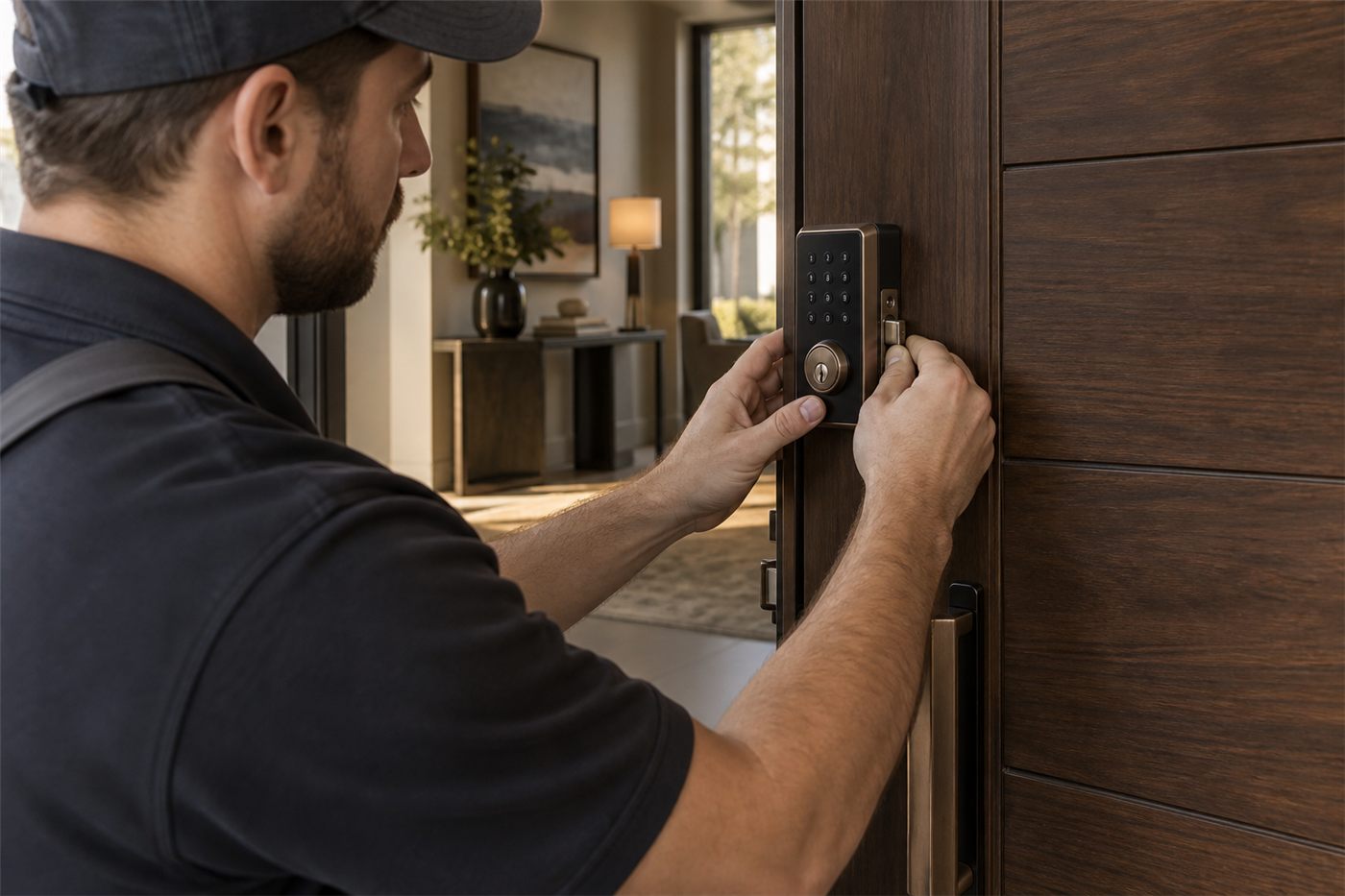
Smart Lock Installation
Fitted to an aligned door with a reinforced strike.
 Simple
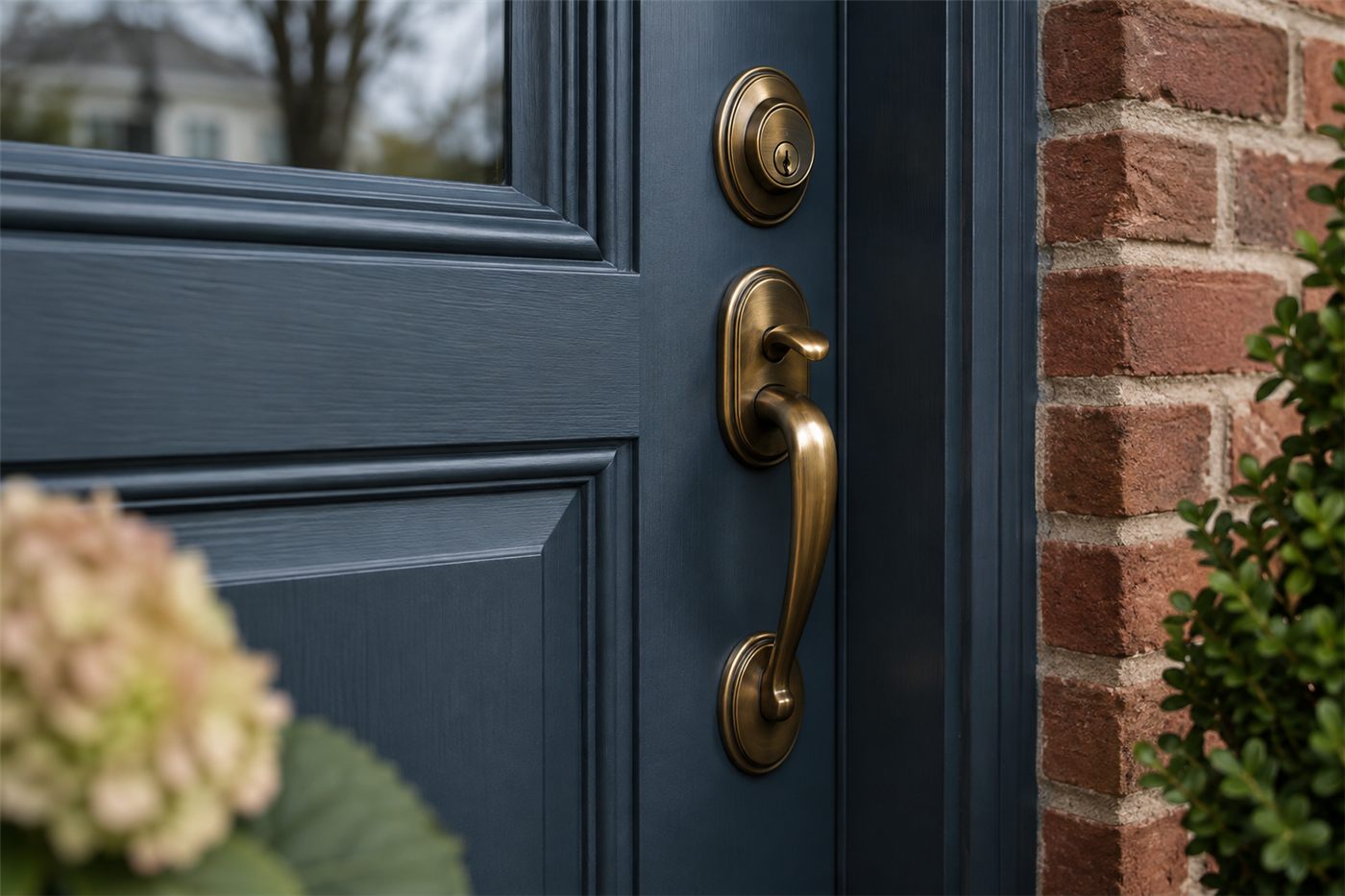
Keypad Locks
No app, no phone, just a code.
BusinessAccess Control
Cards and fobs for commercial doors.
 Mechanical
Deadbolt Installation
The reliable option for doors used less often.
VehicleKey Fob Replacement
Proximity fobs and remotes programmed.
UpgradeHigh Security Locks
When the mechanical side needs to be stronger.
Where we do this
Keyless and mechanical locks across both counties.
Questions
About keyless entry.
Are keyless locks less secure than keyed locks?
Not inherently. A good electronic deadbolt with a reinforced strike can resist force as well as a comparable mechanical one. The differences are in how access is controlled: codes can be shared, accounts can be weak, and batteries can die. Managed well, keyless can improve security by making access easier to control.
What happens if the battery dies?
Most locks warn well in advance. Many have a mechanical key override, and some let you power the lock briefly from outside. Choose a model with a backup, keep the override key somewhere safe, and change batteries on a schedule.
Can smart locks be hacked?
Any connected device can have weaknesses. The most common real risk is a weak or reused account password, not a sophisticated attack. Use a strong unique password, two-step login, keep firmware updated, and choose a reputable brand that issues updates.
Do keypads work in Delaware winters?
Most quality keypads are rated for cold, but batteries lose capacity in freezing weather. Check the temperature rating for exposed doors, and change batteries before winter.
Is a fingerprint lock a good idea?
It can be, with a good quality reader. Cheaper readers can struggle with wet, cold or worn fingers. Choose one that also offers a code or key, so you are not relying on the reader alone.
Should I get keyless on every door?
Usually not. Keyless works best on the doors used most. Rarely used doors are often better with a simple mechanical deadbolt that has no batteries to die unnoticed.
Is car keyless entry vulnerable to theft?
Researchers have described relay techniques that affect some proximity key systems. Manufacturers have responded in different ways. Check your owner's manual for options such as disabling proximity unlock, and keep fobs away from exterior doors at home.
Can you fit a smart lock to my existing door?
Most standard residential doors can take one. We check door thickness, backset, alignment and the strike, and fix any issues first so the lock works reliably.