The basics
What a keypad lock is good at
Access you can hand out and take back in a minute.
Codes instead of copies
Every physical key you hand out is a key you have to get back. People lose them, lend them, copy them and forget to return them. A keypad lock changes that arrangement. Instead of a key, a person gets a code. When they no longer need access, the code is deleted or changed, and their access ends right there. Nobody has to chase down a key, and nobody has to wonder whether a copy was made.
That is the whole appeal of a keypad lock, and it is why they show up on side doors, garage entry doors, rental units, offices, storage rooms and gates. They work especially well wherever several people need to come and go and the owner wants to stay in control without managing a ring of keys.
Keypad locks also help the people who use them. Children coming home from school do not need to carry a key. Older family members who have trouble with small keys and stiff cylinders can press buttons instead. Someone out for a run does not have to find a pocket for a key. And nobody gets locked out because they left their keys on the kitchen counter.
This page covers keypad locks that work on their own, without a phone app or an internet connection. If you want to control the lock from your phone, see our smart lock installation page. Many keypad locks sit on the line between the two, and we help you choose.
Types
Mechanical keypads, electronic keypads and where each fits
Mechanical pushbutton locks use no batteries at all. Pressing the buttons in the right combination sets the mechanism, and turning the knob or lever opens the door. They are rugged, they work in the cold and they never run out of power. Their limitation is that they usually support a single code, or a small number of codes, and changing the code takes a little work at the lock. They suit utility rooms, staff doors, gates and places where simplicity matters more than features.
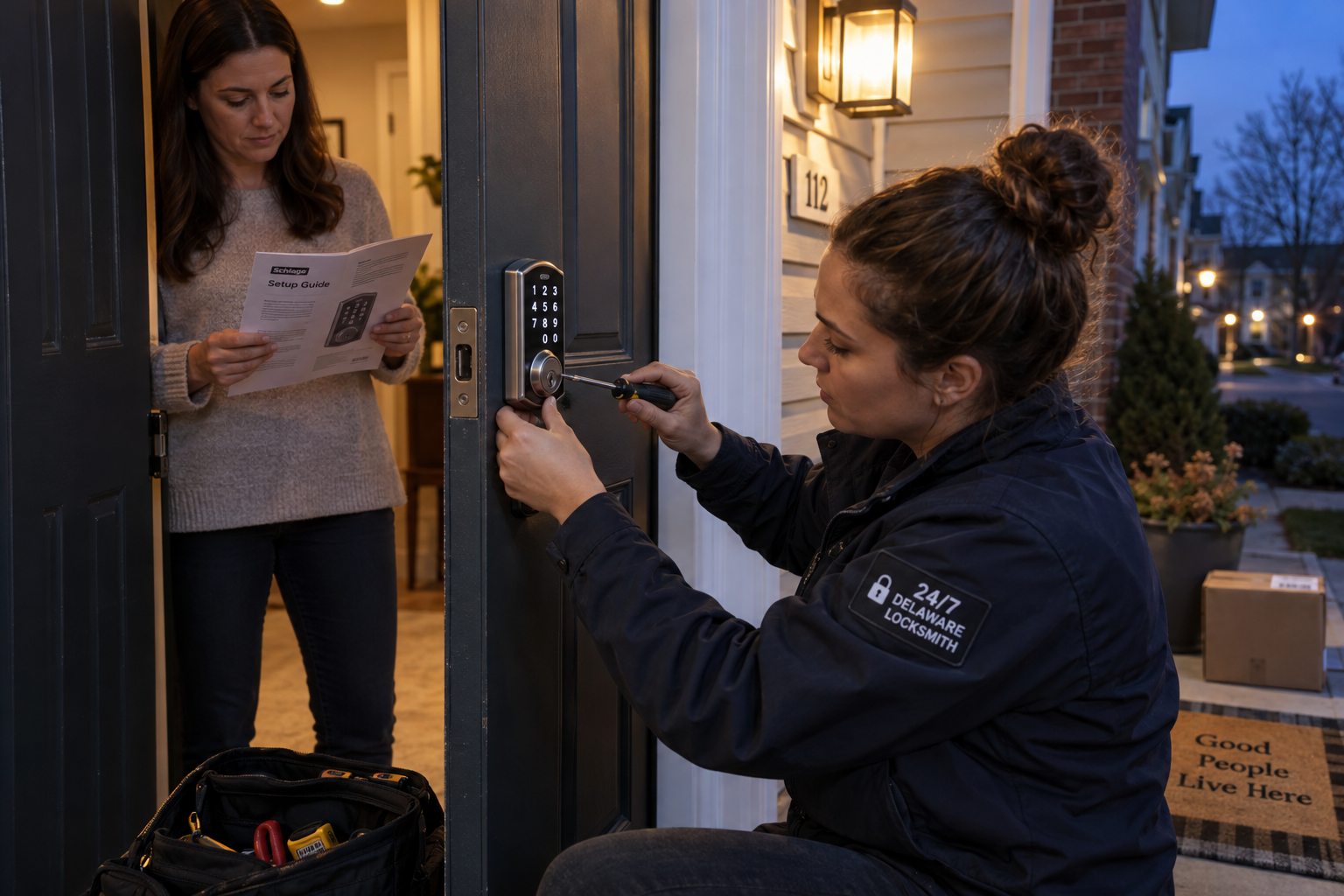
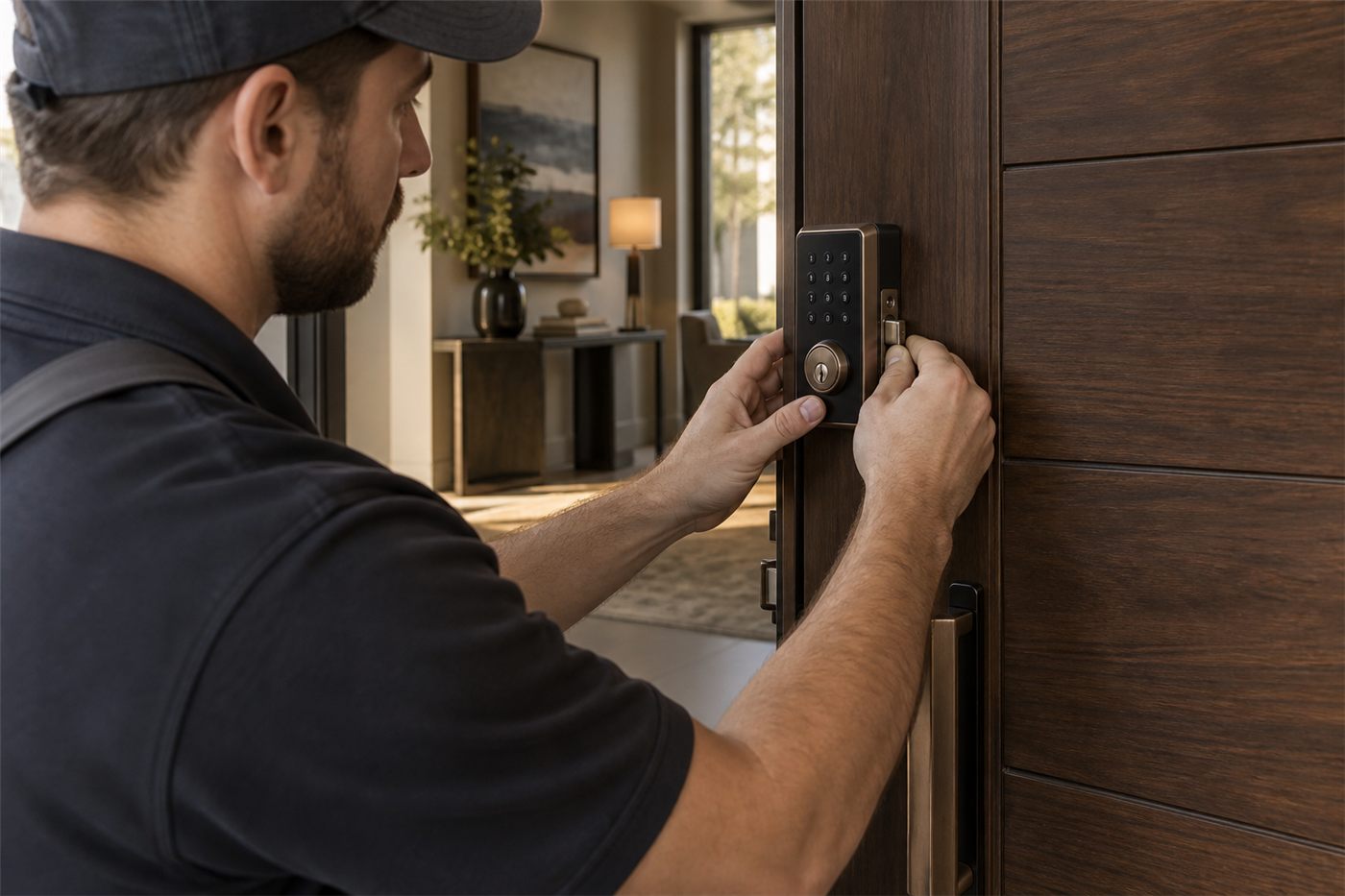
Electronic keypad deadbolts are the most common residential choice. They replace an existing deadbolt, run on batteries and support several user codes. Many include a key cylinder as a backup. Some lock automatically after a set time. Most are designed to fit a standard deadbolt hole, which makes them a straightforward upgrade on most exterior doors.
Electronic keypad levers and knobs put the keypad on the handle set itself, so the latch rather than a separate deadbolt is controlled by the code. They are common on interior office doors, storage rooms and some side doors. On exterior doors, we usually recommend pairing a keypad handle with a deadbolt, or choosing a keypad deadbolt instead, since the deadbolt provides the stronger lock.
Commercial keypad locks are heavier, built for many users and frequent use, and often include features such as individual user codes, schedules, lockout modes and records of which code opened the door. They suit businesses that want accountability without a full access control system.
Features worth knowing about
Auto lock relocks the door after a set time, so nobody has to remember. It is useful on doors that are often left unlocked, but it means everyone who goes out needs a code or a key to come back in. User codes give each person their own code, so one person's access can be removed without affecting anyone else. Temporary or scheduled codes, available on some models, work only at certain times or for a set period. Lockout or vacation modes temporarily disable user codes while the household is away. A master or programming code controls the lock's settings and should be kept private, separate from everyday codes.
Where they fit
Doors that benefit most from a keypad
- The garage entry door. Many households come and go through the garage. A keypad on the door from the garage into the house means nobody needs a key when the garage door is up.
- Side and back doors. Doors used by children, dog walkers, cleaners and family members are ideal for individual codes that can be changed as people come and go.
- Rental units and guest suites. Owners can give each tenant or guest their own code and change it between stays, rather than rekeying or collecting keys.
- Offices and staff doors. Employees get codes instead of keys. When someone leaves, their code is deleted before they walk out the door.
- Storage rooms and supply closets. A keypad controls who can enter without handing out yet another key.
- Gates and outbuildings. Mechanical keypads work well where power is unavailable and conditions are rough.
Keypads for older family members and anyone who struggles with keys
Some of the most grateful keypad customers are not tech enthusiasts at all. They are older homeowners whose fingers no longer manage a small key in a stiff cylinder, people recovering from hand or wrist injuries, and families caring for a relative with memory loss who keeps misplacing keys. For them, a keypad is less about convenience and more about staying independent.
A few details make a keypad easier for these users. Large buttons with clear numbers, a keypad that lights up at night, and a tactile click or beep when each button is pressed all help. A lever handle rather than a knob makes the door itself easier to open once the code is entered. A code that is meaningful to the user, but not obvious to others, is easier to remember than a random string. And for a relative with memory challenges, a caregiver may want a separate code so they can always get in.
Placement matters as well. The keypad should be at a comfortable height, in a spot with good lighting, and on a door that is easy to reach from the driveway without steps where possible. We talk through these details before choosing the lock, because the best keypad for an office is not always the best keypad for a grandparent.
How it works
What happens during a keypad lock installation
We begin with the door. A keypad deadbolt needs the same things any deadbolt needs: a sound door, a bolt hole in the frame deep enough for full extension, a strike that lines up, and a door that closes without dragging. Electronic keypad locks are especially sensitive to alignment, because a bolt that drags drains the batteries and can cause the lock to report a jam or fail to lock.
We remove the existing hardware, check and correct the door and strike, and install the keypad lock according to the manufacturer's instructions. On electronic models, we route the cable carefully so it is not pinched between the door and the mounting plate, since a damaged cable is one of the common causes of an intermittent keypad.
Then comes setup, which we do with you. We set the programming code, add user codes for the people you name, and show you how to add, change and delete codes yourself. We set auto lock if you want it and explain how it behaves. We test every code, the key backup if there is one, and the lock with the door closed firmly and gently.
Before we leave, we write down for you, not for us, which user slots hold which codes, so you can remove a specific person later without guessing. That simple record is one of the most useful things you can keep with a keypad lock.
Code habits
Managing codes so the lock stays secure
A keypad is only as private as its codes.
Give each person their own code. It is tempting to use one family code, but a single shared code cannot be taken away from one person without changing it for everyone. Individual codes let you remove the dog walker without retraining the whole household.
Avoid predictable codes. Birthdays, house numbers, the last digits of a phone number and simple patterns are the first things anyone would try. Longer codes are harder to guess.
Watch for worn buttons. On a keypad used for years with the same code, the buttons in that code can wear or become shiny while the others stay dull. That tells an observer which digits to try. Changing codes periodically, and on some models using a scramble or extra digits feature, helps.
Delete codes promptly. When a contractor finishes, a tenant moves out or an employee leaves, remove their code that day. It takes a minute and it is the reason the lock exists.
Protect the programming code. Anyone with the programming code can add codes and change settings. Keep it separate from everyday codes and do not share it with guests or service providers.
Power and backup
Batteries, cold weather and the day the keypad goes dark
Electronic keypad locks run on batteries, and batteries eventually run down. Most locks warn you first with a flashing light, a beep or a sluggish motor. Replace the batteries when the warning appears, and keep spare batteries in the house. Cold weather shortens battery life, so a lock on an exposed door in January may need batteries sooner than the same lock in summer.
Every electronic keypad lock should have a backup. Many have a key cylinder hidden under a cover or built into the keypad. Some have terminals where a battery can be held against the outside to power the keypad temporarily. Know which backup your lock has, and keep the backup key somewhere you can reach from outside, such as with a neighbor, not inside the house.
Mechanical keypad locks avoid the battery question entirely, which is why they are popular on gates, outbuildings and staff doors. Their mechanism can still wear or stiffen over time, especially outdoors, and occasional cleaning and lubrication with the right product keeps the buttons responsive.
If a keypad lock has already failed and you are outside, our house lockout service gets you in, usually without damaging the lock, and we can then find out why it failed.
Choosing
Keypad options compared
| Need | What usually fits |
|---|---|
| Simple code on a gate or outbuilding, no power | A mechanical pushbutton lock |
| Family and service providers on a side door | An electronic keypad deadbolt with individual user codes and a key backup |
| Rental unit with changing tenants or guests | A keypad deadbolt with easily changed codes, possibly with scheduled codes |
| Office door with several employees | A commercial keypad lock with user codes and an entry record |
| Interior storage room | A keypad lever set |
| Want phone control and remote access | A smart lock with a keypad instead of a keypad alone |
Rentals and businesses
Keypads for landlords, hosts and small businesses
For landlords, a keypad lock can reduce the need to rekey between tenants. The outgoing tenant's code is deleted, the incoming tenant gets a new one, and nobody has to collect keys at move out. It is still wise to keep a key backup cylinder on a separate key that only the owner holds, and to rekey that cylinder if its key is ever out of the owner's control. Check your lease and any local rules that apply to your property before changing how tenants access their units.
For hosts with short stays, a keypad with scheduled or temporary codes lets each guest have their own code that works only during their booking. That avoids hiding a key and removes the risk of a guest keeping a copy. Keypad models vary in how easily codes can be changed without being on site, which is a factor in choosing between a standalone keypad and a connected smart lock.
For small businesses, a keypad lock on the staff entrance or office door gives each employee a code and gives the owner a simple way to end access. Heavier commercial models add records of which code opened the door and when, which helps when questions come up about who was in the building. When a business grows beyond a few doors, a full access control system may be the next step.
Avoid these
Keypad lock mistakes we see
- One code for everyone. A shared code cannot be taken away from one person. Use individual codes.
- Never changing codes. Codes that stay the same for years wear the buttons and spread to people who should not have them.
- No backup plan. An electronic lock without a working backup key or power method is a lockout waiting to happen.
- Ignoring the low battery warning. The warning exists so you can act before the lock stops. Replace batteries promptly.
- A keypad handle as the only lock on an exterior door. Pair it with a deadbolt, or choose a keypad deadbolt instead.
- Installing on a door that drags. An electronic lock fighting a tight strike drains batteries and jams. Fix the door first.
- Losing the programming code. Without it, codes cannot be changed. Store it somewhere safe and separate.
Local factors
Keypad locks in New Castle and Kent
Rentals, families and cold snaps.
Rental owners around Newark, Wilmington and Dover use keypad locks to simplify tenant turnover. Families in Middletown, Bear, Smyrna and Camden add them to garage entry and side doors so children and caregivers can come and go without keys.
Businesses along Route 13, Route 40 and in the office parks around Christiana use keypad locks on staff entrances and storage rooms. Farms and properties in rural Kent County often use mechanical keypads on gates and outbuildings where power is not available.
Delaware winters are hard on batteries, and exposed doors facing north or west see the most drain. Lithium batteries, where the manufacturer allows them, and a lock installed on a door that closes easily both help electronic keypads last through cold weather.
Questions
Frequently asked
Do keypad locks need Wi-Fi or an app?
No. Standalone keypad locks work entirely at the door. Codes are added and removed at the keypad itself. If you want remote control from a phone, a smart lock is the better fit.
Can a keypad lock fit my existing deadbolt hole?
Most keypad deadbolts are designed to fit standard residential deadbolt holes. We check the bore, backset, door thickness and strike before installing, and correct anything that would cause the bolt to drag.
What happens if the batteries die?
Most electronic keypad locks have a backup, either a key cylinder or terminals for temporary power from outside. Replace batteries when the warning appears so you rarely need the backup. Mechanical keypads have no batteries at all.
How many codes can a keypad lock hold?
It depends on the model. Mechanical locks often hold one or a few codes. Electronic residential locks commonly hold several user codes. Commercial models hold many more. We match the lock to the number of people who need access.
Can I change the codes myself?
Yes. We show you how to add, change and delete codes during setup and leave you a written record of which slot holds which code.
Are keypad locks secure?
A good keypad deadbolt is as strong as a comparable keyed deadbolt, and it adds the advantage of codes that can be removed instantly. Security depends on code habits, the door and a properly anchored strike.
Can a keypad be used in a rental?
Yes, and it can simplify turnover. Check your lease and any rules that apply, keep a key backup that only the owner controls, and change codes between tenants.
Will a keypad lock work in cold weather?
Yes, though cold shortens battery life on electronic models. Mechanical keypads are unaffected by battery issues. A door that closes without strain helps any electronic lock in winter.
Ready to stop handing out keys?
Call and we will fit a keypad lock, set up the codes with you and confirm the backup.